Writing that sounds like you
Train a writing voice from your own posts. Choose a goal and an opening, then fix weak hooks and filler before you publish.
Free account · first 7 days with nearly everything · no card
Kontexy helps you find topics, write posts in your own voice, schedule them, and keep track of the people you talk to. No automatic direct messages. No automatic connection requests.
Your voice · Story
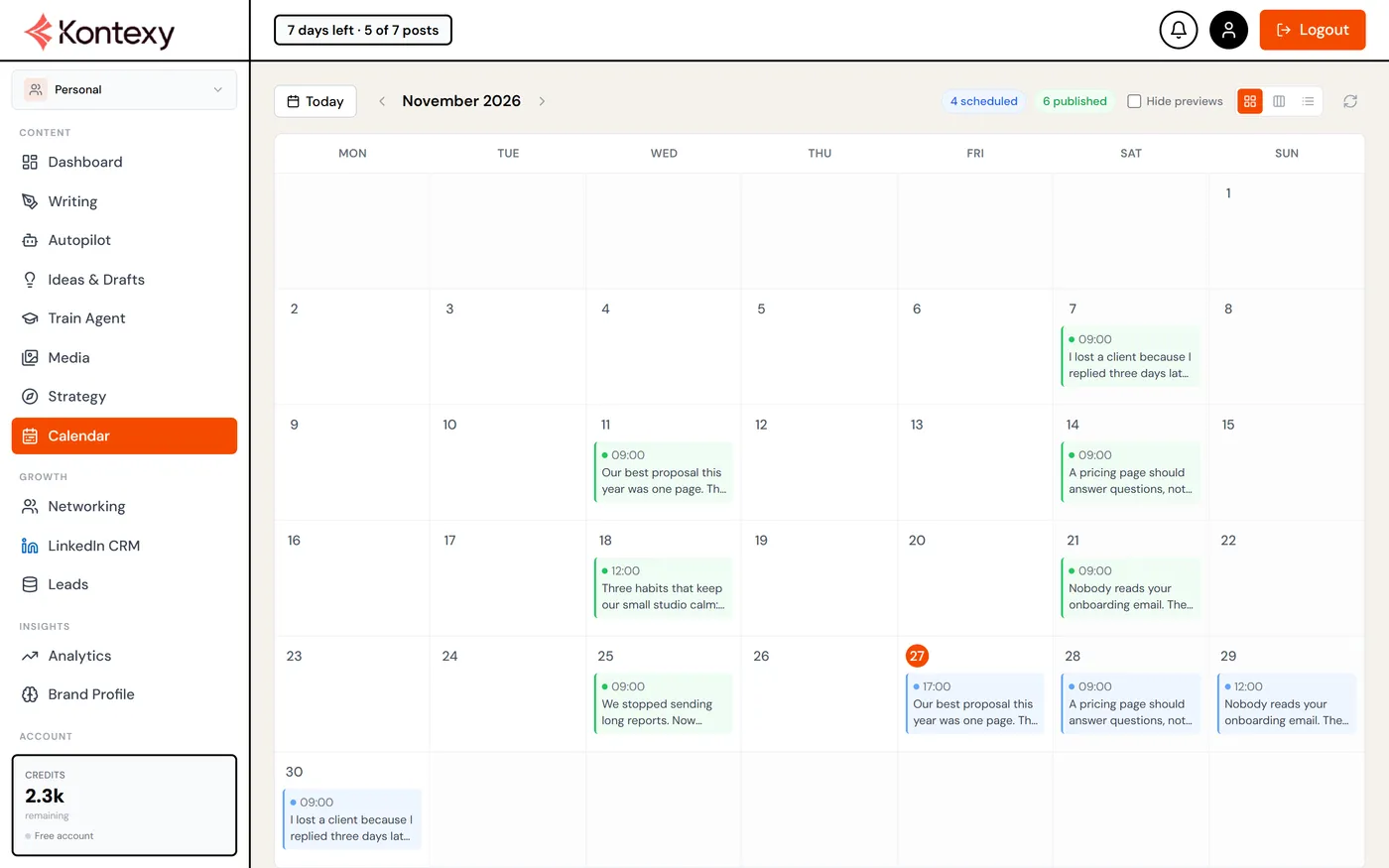
I lost a client because I replied three days late.
Voice note for Aisha
0:32 · download and send it yourself
Send queue
Why no automation
Tools that message people for you can get an account restricted. Kontexy prepares the work and leaves the sending to you.

How it works
1Find ideas
A trend scan reads news and research on your topics and brings back ideas with their sources.
2Write
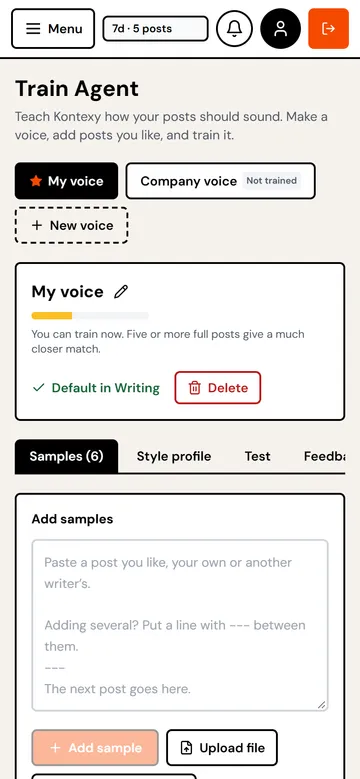
Teach it how you write. Pick an opening, then check the hook before anyone else sees it.
3Schedule
Add pictures or a carousel in your brand colours and place the post on your calendar.
4Follow up
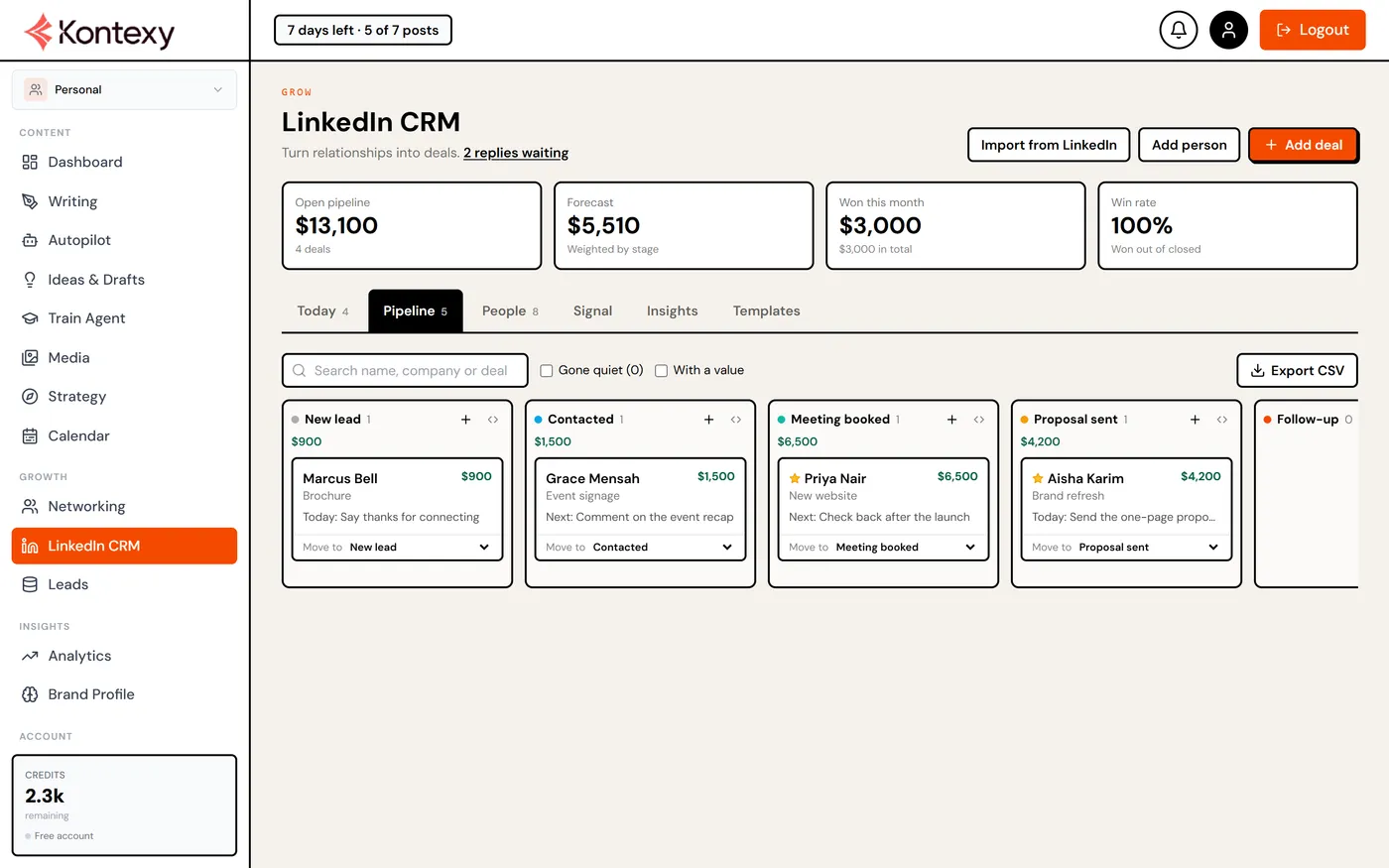
Track people in a pipeline, queue your messages, and send each one yourself.
Features
Train a writing voice from your own posts. Choose a goal and an opening, then fix weak hooks and filler before you publish.
Scan news and research on your topics. Each idea keeps its links, so you can check the facts.
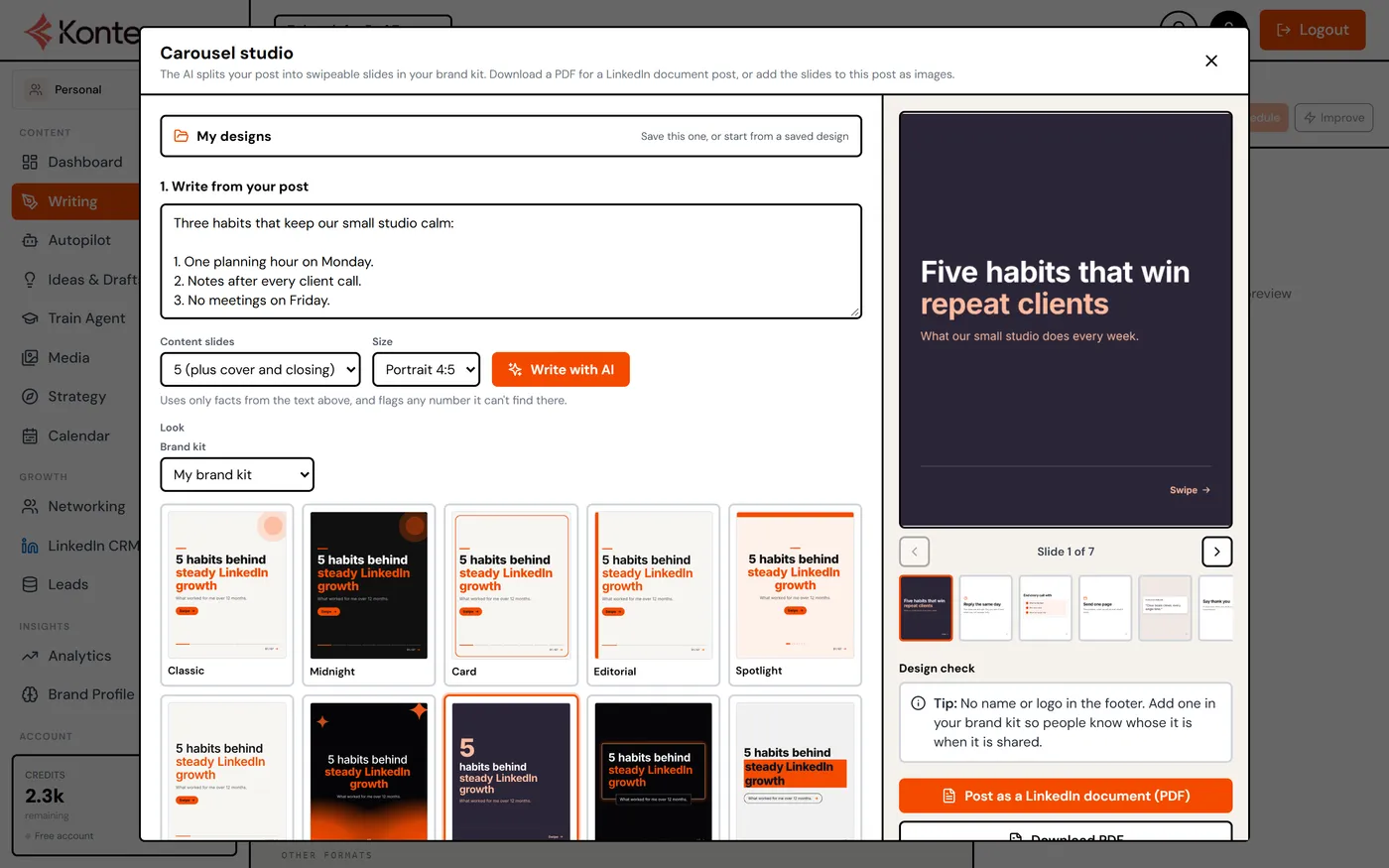
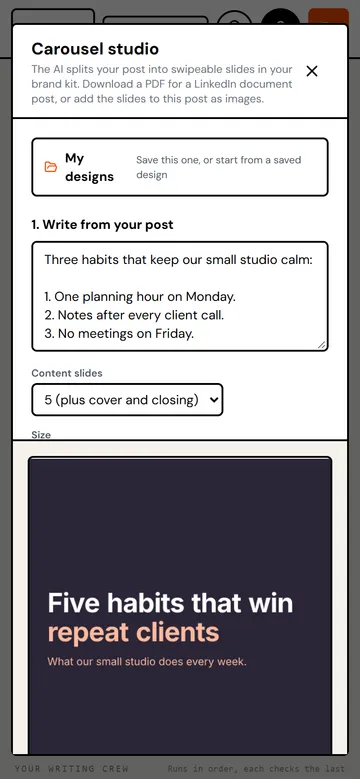
Turn a post into slides or a chart in your brand colours.
Schedule posts to your LinkedIn profile, with a first comment if you want one.
Know who you spoke to, what was said, and what happens next.
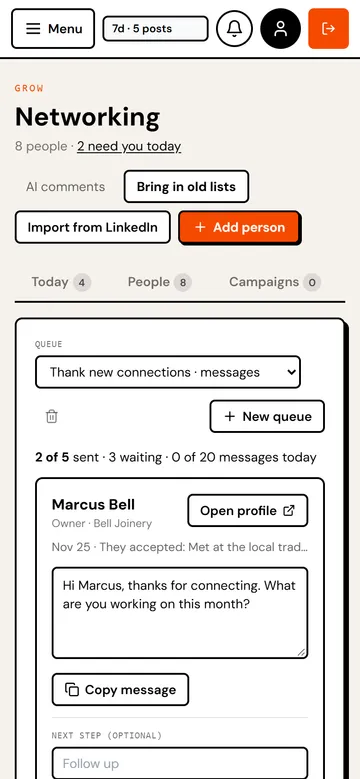
Work through your messages one by one. Blocked people and companies stay out.
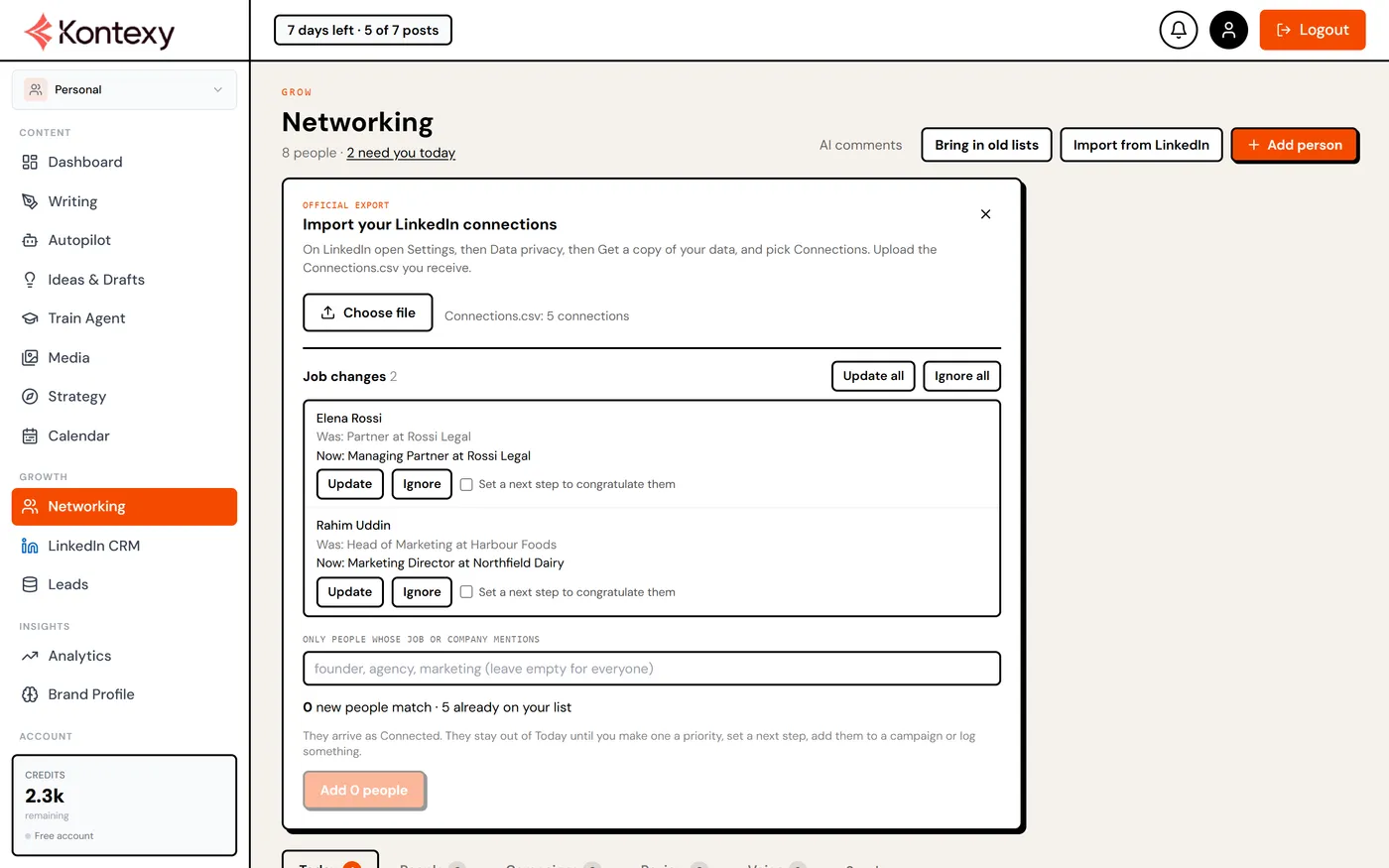
Upload your connections file again and see who moved to a new company or role. A good reason to say hello.
Your own post results in one place. No sample data dressed up as yours.
Designs
Carousels and infographics drawn by Kontexy’s design engine, with sample words and a sample brand.


Who it is for
If clients come to you because they know you, pick the week that looks like yours. The situations are examples.
You know your market, but posting slips whenever the week gets busy.
Save ideas as they come, write one in your own voice and give it a day on the calendar.
A posting habit that does not depend on a free evening.
Sample data
Your advice is good, but it stays inside one-to-one calls.
Turn a question a client asked into a post, then into a carousel people can keep.
Your thinking where future clients can read it.
Sample data
Good enquiries go quiet because nobody wrote down the next step.
Keep each person in a pipeline with a note, a next step and the date it is due.
Fewer conversations forgotten.
Sample data
You would rather send twenty personal notes than a thousand automated ones.
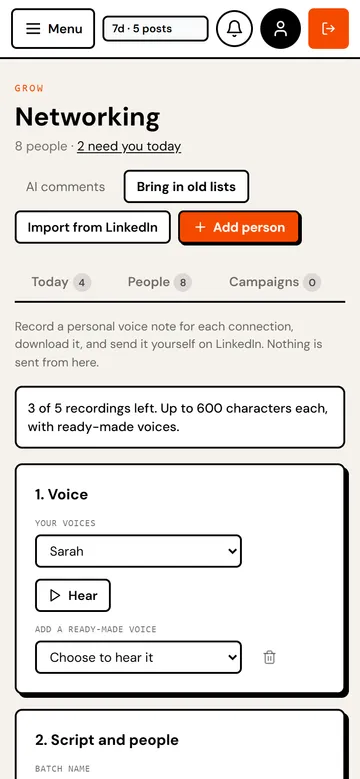
Upload your connections file, spot who changed jobs, and send each message or voice note yourself.
Outreach that sounds like a person, because it is one.
Sample data
Voice notes
Write one script with the person’s name and details, pick a ready-made voice, and record a note for each contact. Then download it and attach it yourself to someone you are already connected with.
Script
Hi Aisha, I saw Ledgerline just opened a second office. One quick question…
Illustration with sample data.
Free tools
15 tools, no account needed. The AI tools have an hourly limit.
Turns a topic into three drafts to choose from.
Open toolRewrites stiff text in plain, natural language.
Open toolSuggests hashtags that match your post and network.
Open toolMakes three posts from an article, each on a different idea.
Open toolTurns a rough AI prompt into a clearer one.
Open toolReviews your first lines.
Open toolOffers opening lines to adapt.
Open toolFormats text and shows how the post will look.
Open toolPoints out what could make a post harder to read.
Open toolCounts characters against network limits.
Open toolDraws an article’s key points as a picture you can download.
Open toolPuts a screenshot on a clean background.
Open toolResizes a picture for social posts.
Open toolAdds a caption to a picture.
Open toolPuts top and bottom text on an image.
Open toolBrowser extension
Your CRM beside the page you are reading. Add people, draft comments and keep your follow-ups, then send everything yourself.


Free account
No card. Daily limits protect the service, so AI may pause until the next day. Here is what the first week includes.
One new post a day, each with 3 rewrites
Ready-made voices, short recordings
AI pictures for your posts
News and research on your topics
In your pipeline and lists
After 7 days, AI features pause. Your data stays. You can still read, edit and schedule.
Create free accountQuestions
Kontexy does not send direct messages or connection requests for you, and it does not browse LinkedIn as you. Scheduled posts go out through LinkedIn’s official connection. LinkedIn sets its own rules, so no tool can promise how your account is treated.
Yes. No card is asked for. In your first 7 days you can use the writing, design and follow-up tools within limits.
After 7 days, AI features pause. Your data stays. You can still read, edit and schedule.
No. Writing, research, images and voice notes run on our service within your account limits.
Voice notes in a free account use ready-made voices. Voice cloning is not included.
It is stored with our database provider. Text you ask the AI to work on is sent to the AI services that do the work. The privacy page lists them.
Create a free account. No card. Your first 7 days include the writing, design and follow-up tools, within limits. After 7 days, AI features pause. Your data stays.